How the app solves it
Play chess against the app with a coach that explains
In Chess Academy Kids your child plays the app on three levels while a coach rates each move and explains why. How it works, its limits, and what is free or Pro.
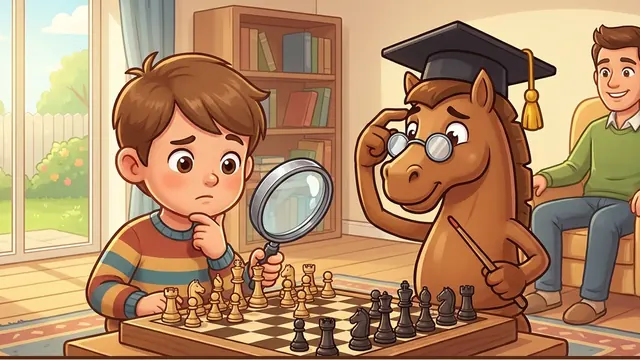
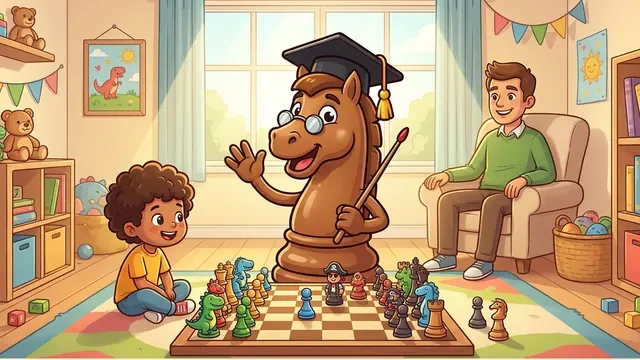
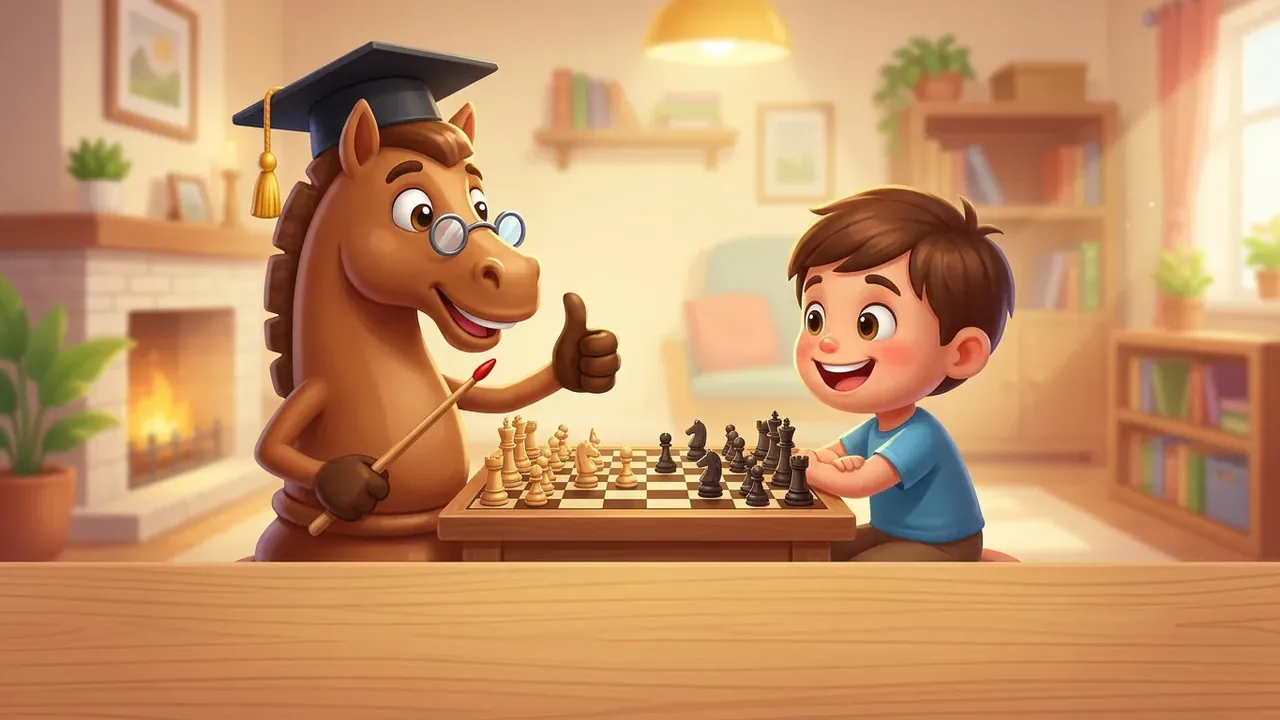
Losing a game teaches nothing if nobody says why. Playing an adult does not help much either if they always win without explaining. The Play mode in Chess Academy Kids is built for that: a real game against the app, with a coach that comments on each of your child's moves.
Key points
- You play the app on three levels: Beginner, Amateur and Club.
- A coach rates each move and explains why in plain words.
- You can undo a move to try the good one.
- Free: level 1 and a coach limited per day. Pro: three levels and unlimited coach.
- You do not play other people: there is no chat and there are no strangers.
What it does
Every time the child moves, the coach compares the move with the best one it finds and gives a verdict, from "Brilliant move!" to "Serious mistake", with an explanation. For example, it says there was checkmate in one move, or that the move leaves the queen undefended. If the child makes a mistake, they can undo and try the good move instead of living with the error.
The three levels adjust the opponent: the first makes mistakes the child can punish, and the next ones play better. When the child wins level 1 clearly, it is time to move up. And the coach can be switched off if they prefer to play without comments.
Who it is for
- Children who have finished a course block and need to play for real.
- Families with nobody who plays well: the coach acts as the adult who knows.
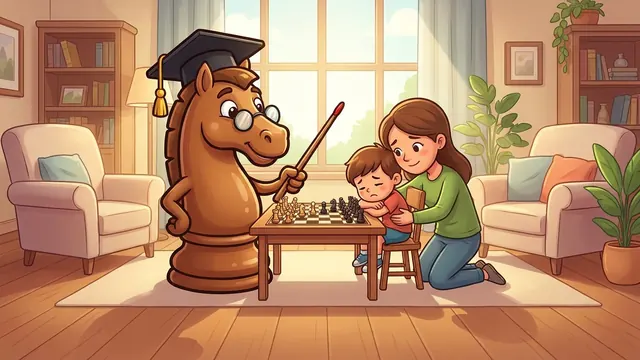
- Children who struggle to lose: the comment is about the move, not the child. Read my child gets upset when losing.
How to use it, step by step
- Choose Play mode and a level (start with Beginner).
- Make your move by tapping the piece and the square.
- Read the coach's verdict. If there is a mistake, ask your child to explain it in their own words.
- If they want, they undo and try the good move.
- When the game ends, talk about just one thing that went well and one to improve.
- If the day's free coach runs out, you can keep playing without it or wait until the next day.
An example of a rating
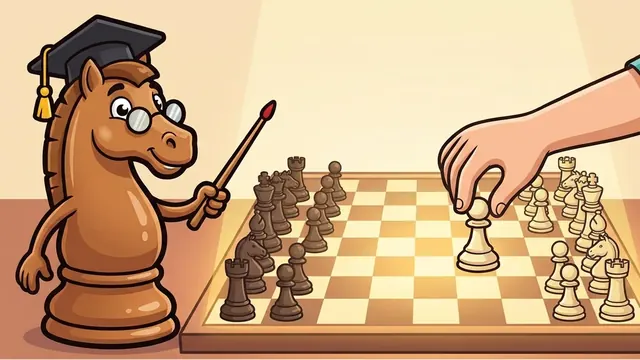
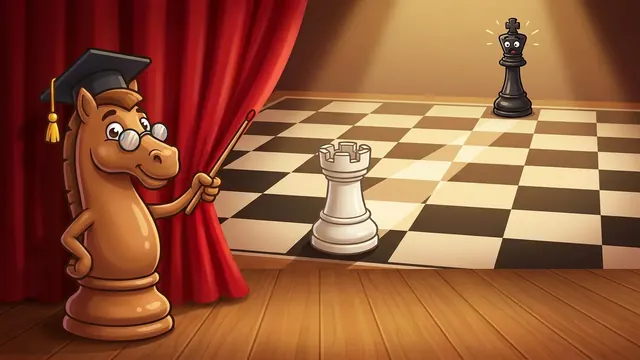
After a typical beginner opening, White has a move that wins the game on the spot. A child who does not look for threats misses it, and the coach shows it.
The typical mistake is playing "the first thing you see" without checking checks or captures. The trick: "check, capture, threat" before every move. To try at home: before moving, ask your child to say aloud what the opponent wants to do. To understand how to defend against this mate, see scholar's mate.
Tips for the first games
- Start on level 1. Winning early builds confidence; moving up is better when the child asks for it.
- A short game is enough. With the youngest, ten focused minutes are plenty.
- Use undo without guilt. Undoing is not cheating: it is how you check why the other move was better.
- Talk about the mistake, not the result. "What did you see in that move?" teaches more than "you lost".
- Switch the coach off now and then. Playing unaided and reviewing afterwards teaches children to look without help.
Honest limits
- The opponent is the app: no games against other people, no chat, no ranking against strangers.
- The coach is a helper, not a human master: it points out tactical mistakes and clear threats; it does not replace a teacher.
- There is no guarantee your child will move up a level within a set time.
- Losing is still part of the game: the app does not hand out wins.
What is free and what is Pro
Free: playing the app on level 1 and a coach limited per day. Pro (one-time purchase, not a subscription, with Family Sharing): all three levels and unlimited coach. More in chess without a subscription.
How it fits with the rest
The ideal is to alternate: a course lesson, some puzzles and a game. To see how other apps compare, read the comparison with Chess.com and the one on Lichess. And if your child loses interest, this may help.
Can you play against other people?
No. You play the app, which is where the coach can explain every move. There is no chat and no contact with strangers.
Can a move be undone?
Yes. If the coach points out a mistake, the child can undo and try the good move, so they learn on the spot.
What coach does the free version have?
Level 1 of the app with a coach limited per day. Pro makes it unlimited and adds the other two levels.