How the app solves it
Family chess: a profile for each child
In Chess Academy Kids each child has their own profile with their progress and report, and the family shares one purchase with Family Sharing. How it works.
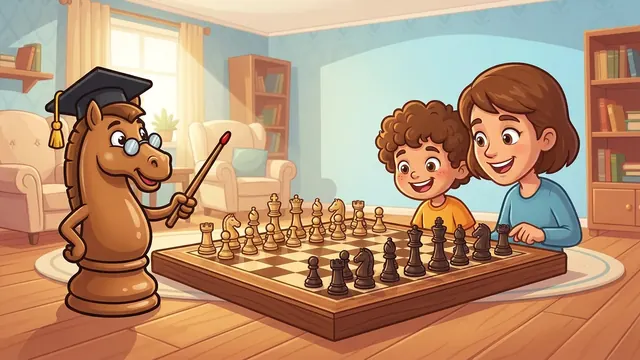
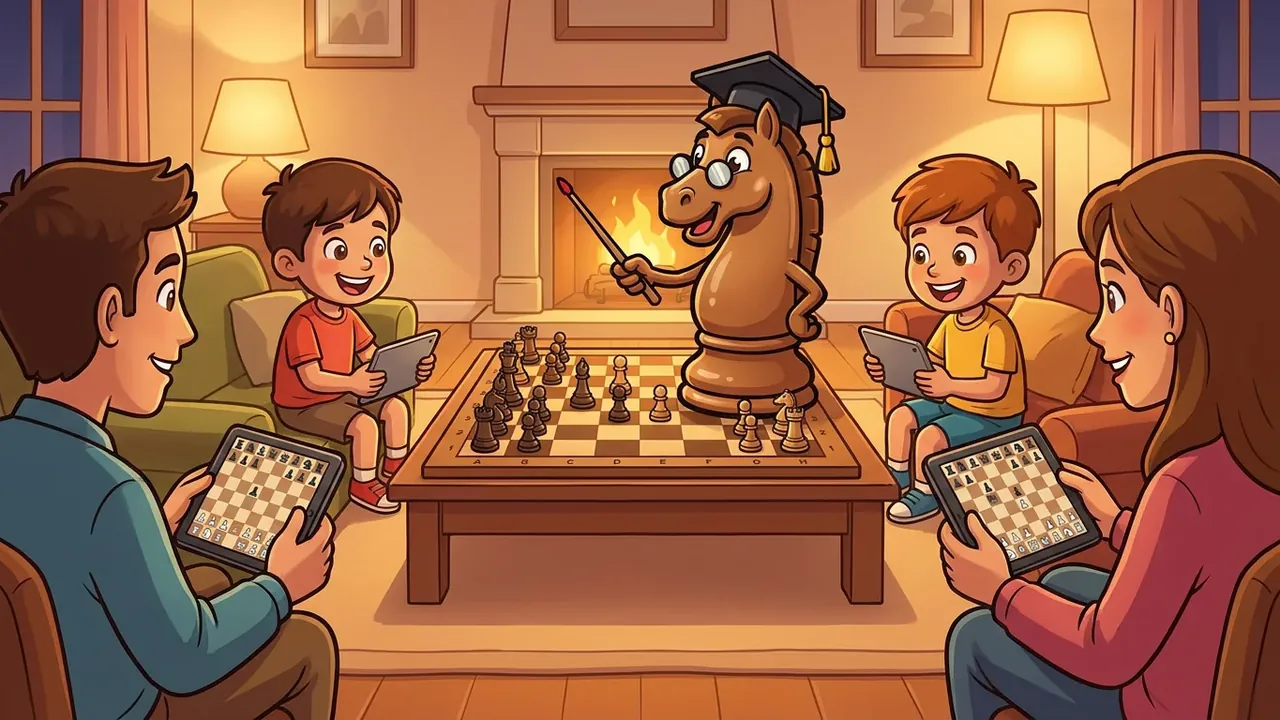
At home there is a 5 year old who has just discovered the knight and a 9 year old who already wants to beat grandpa. If they share a single progress record in an app, one wipes out the other and nobody knows who did what. That is why Chess Academy Kids gives each child their own profile.
Key points
- One profile per child, with their own progress and report.
- Several child profiles are part of Pro; for free there is one.
- The one-time purchase is shared across the family with Family Sharing.
- The adult area and the purchase sit behind a parental gate.
- There is no chat and no contact with strangers: the family plays, it is not a social network.
What it does
Each profile stores what that child has done: where they are in the course, what they have practised and how they play. Siblings do not overwrite each other's progress, and a young child does not suddenly see the older one's advanced lessons. In addition, the parent report is generated per profile, so you can talk to each child about their own.
For adults, the app keeps a separate area. The purchase of Pro and the family settings sit behind a parental gate, a step meant to stop a child from buying by accident.
Who it is for
- Families with more than one child who want each to progress at their own pace.
- Parents who play with their kids and want their own progress separate from the children's.
- Grandparents and carers who help with chess homework and do not want account chaos.
How to use it, step by step
- Install the app and enter the family area (there is also a family area on the website).
- Create a profile for each child with a name or nickname. A nickname is better than a surname.
- Each time you play, choose the profile first. It is a simple habit: "who is playing now?"
- With Pro, each profile will have its own report. Without it, the main profile uses the free features.
- If you buy Pro, do it from the parental gate. With Family Sharing, the family members who share the purchase through Apple or Google can use it.
An example to do with siblings
A good activity is giving the same puzzle to both, each on their own profile, and hearing how each one explains it. The younger one will say "I moved the knight"; the older, "I made a fork".
The typical mistake is making siblings compete. The trick: have each one compete with themselves ("can you do it faster than yesterday?") and teach each other what they have learned. To try at home: ask the older one to explain the fork to the younger one with real pieces. More on the idea in the fork in chess.
Tips for organising profiles
- One profile, one person. Do not put two siblings on the same profile, even if they play at the same time.
- Recognisable names. The child needs to know which one is theirs without reading much.
- Clear turns. An hourglass or a "now you, now me" avoids arguments over the screen.
- Adults apart. If you want to learn too, use your own profile and not your child's.
- Check in from time to time. If one child moves faster, that is fine: each profile keeps its own pace.
Honest limits
- Profiles are for your family: there is no way to play other families or to chat.
- Family Sharing depends on your family having it set up in your store account; if not, the purchase works on the devices of whoever bought it.
- Each profile moves at its own pace: the app does not force everyone to be at the same point.
- The app is not a substitute for playing together on a real board.
What is free and what is Pro
Free: first course module, level 1, the voices of every character and a coach limited per day. Pro (one-time purchase, not a subscription): full course, three levels, unlimited coach, several child profiles and the parent report. Details in chess without a subscription.
How it fits with the rest
If you do not play and want to learn alongside your children, see I don't know chess and I want to teach my child. To organise routines with more than one child, how to teach chess at home. And if you doubt which app to pick for the whole family, the best apps guide compares options.
How many child profiles are there?
Free includes one; several child profiles are part of Pro. This article does not promise a specific number.
Does each profile have its own progress?
Yes. Each child keeps their own course progress and report, never mixed with their siblings.
What is Family Sharing?
It is the Apple or Google store feature that lets you share a purchase with other members of your family group. Pro is set up for it, so the one-time purchase serves the whole family.